Wiki made easy with Microsoft Teams
It is a challenge for companies to use the knowledge and skills of all employees efficiently and to make their accumulated knowledge available as a „knowledge database“ or „knowledge base“ in such a way that everyone can benefit from it. The solution is a central location that is accessible to everyone, where specialist and background knowledge on complicated issues can be stored, documentation of work processes can be stored and “tips and tricks” can be passed on.
In many companies, such information is stored in the form of documents on file servers, possibly in different locations and with nested folder structures. Wikis that are structured similar to the well-known Wikipedia are more suitable. Here, the information storage can be set up in such a way that everyone in the team not only has read but also write access and can thus share their knowledge with one another.
Of course, you have to pay attention to a few things: If everyone writes something in the wiki according to their own taste, chaos will soon set in and the valuable information will be lost in it.
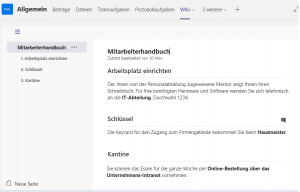
A uniform format of the entries, for example, helps enormously with the readability of the articles. And if the headings of the articles are summarized in a correspondingly linked table of contents, it is best to see at a glance where the required information can be found.
Wiki with Microsoft Teams
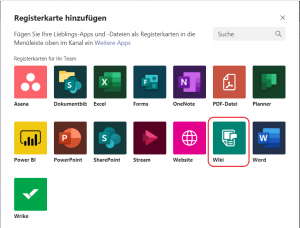
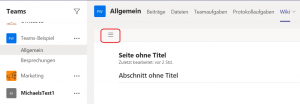
It is best to set up the wiki page in such a way that a certain structure is already specified and the respective text is poured into this “form” almost automatically. If Microsoft Teams is already used for internal company communication, a wiki tab can be easily added to the team area: